
Designing a scalable access system for growing teams.
System Thinking • UX Design • Product Strategy • Interaction Design • AI Product
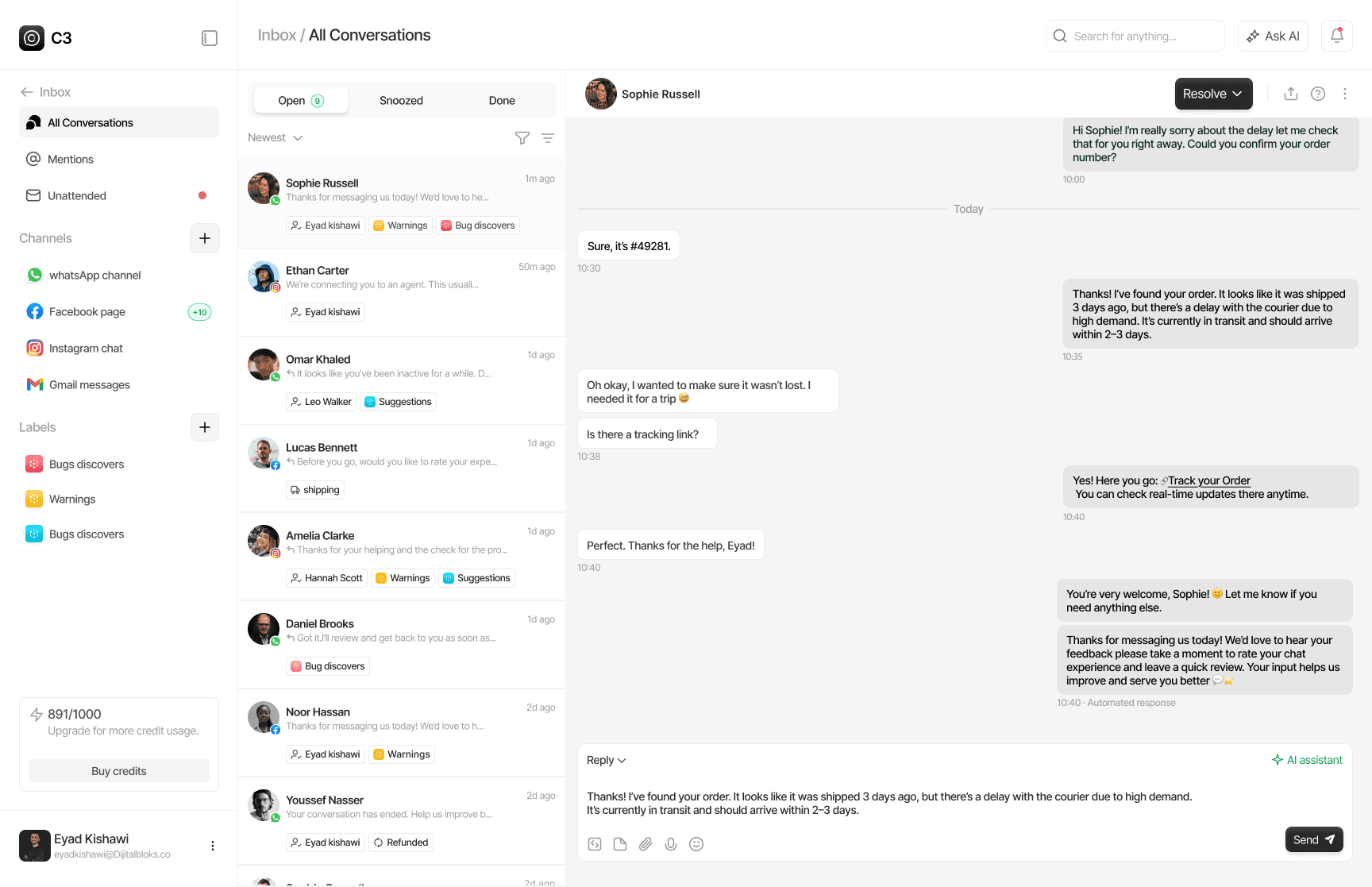
Product C3
C3 helps teams manage customer communication and automation through configurable workflows. As workflows become more complex, AI can dramatically reduce the effort required to build and modify them.
Problem The Unclear access
Roles had overlapping responsibilities and inconsistent access levels, making it difficult for teams to understand who could access, manage, or change different parts of the workspace.
Solution Defined permissions
Removed the separate Superadmin dashboard and moved account management, billing, plans, credits, and user settings into one Admin-only settings area, with granular permissions for every role.
Result Better team control
Teams can assign the right level of access to each role, reduce unnecessary permissions, and manage growing workspaces with more confidence.
CONTEXT
A growing platform needed a clearer way to structure team access.
As C3 expanded across different teams and use cases, the existing role structure made it difficult to define responsibilities and control access. The product needed a system that could support different team structures without adding unnecessary complexity.
PROBLEM
A separate dashboard made everyday management more complicated.
The existing Superadmin dashboard split important management tasks away from the main workspace, forcing teams to navigate between different areas to manage users, billing, plans, credits, account settings, and permissions. This made responsibilities less clear and added unnecessary friction to everyday administration.
GOAL
Build a unified role and permissions system that gives teams clearer control over workspace access.
Unify workspace management:
Bring users, billing, plans, credits, account settings, and permissions into one clear management experience.
Define clearer responsibilities:
Create distinct roles with granular permissions so every team member has the right level of access.
Make access easier to manage:
Give workspace admins a straightforward way to create, edit, assign, and control roles as their teams grow.
RESEARCH & KEY INSIGHTS
We explored how teams structure roles and manage access, using user interviews, competitor analysis, and system mapping to uncover where the existing permissions model created friction and confusion.
Key Insight No1: Admin responsibilities needed a single home. Separate dashboards made administration harder. Teams needed users, settings, and permissions in one place. alone.
Key Insight No2: Roles need clear boundaries.Broad roles made access difficult to understand. Clear responsibilities made permissions easier to manage.
Key Insight No3: Permissions should match real teams. Different teams need different access levels. Flexible roles support how teams actually work.
DESIGN 1/3
Navigation
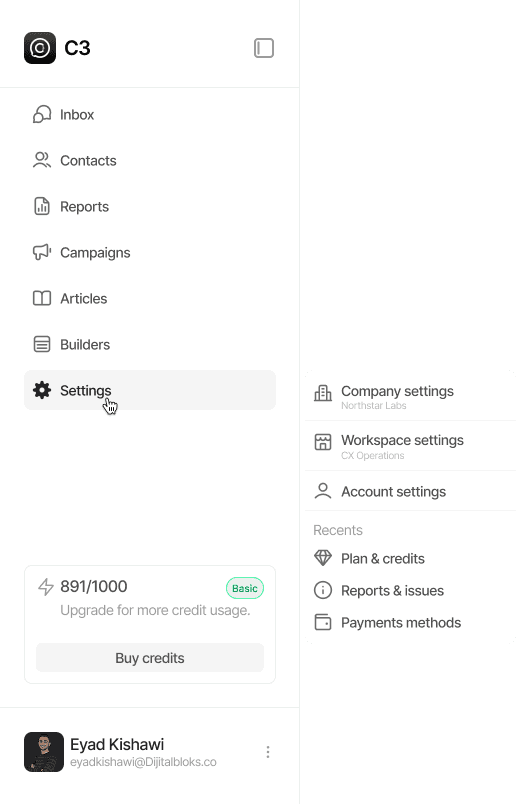
From a separate dashboard to a dedicated sidebar tab.
Removed the separate Superadmin dashboard and introduced a multi-level role structure, with Admin, Supervisor, and Agent roles, bringing access management directly into the main workspace.

DESIGN 2/3
Roles & Permissions
A clearer system for managing and accessing roles.
Separated role management from permission controls, giving admins a clear view of each role, its members, and the specific actions and areas it can access.


DESIGN 3/3
Role Creation
Build roles around how your team works.
Introduced a simple role creation flow with clear permissions, giving admins control over exactly what each role can access and manage.

IMPACT
Reducing uncertainty around AI-generated workflow changes.
1
System eliminated the separate Superadmin system and unified workspace management.
40%
Faster role management through a unified roles and permissions experience.
28%
Clearer decision points users can understand the request, proposed logic, and final action before committing.
REFLECTIONS
The hardest problems have no UI surface.
Making AI visible isn’t enough. Users need to understand and verify its decisions.
Uncertainty is part of the experiencea.
When AI isn’t confident, asking for clarification is safer than making a hidden assumption.
Systems should scale quietly.
The best AI experiences don’t remove decisions from users. They make those decisions faster and easier.